# Media format

The media module delivering assets provides methods to perform various manipulation functions on a given image or file based on querystring parameters.

### Supported query parameters

<table><thead><tr><th width="138.99993896484375" valign="top">Parameter</th><th>Description</th><th data-hidden>Usage</th></tr></thead><tbody><tr><td valign="top">width</td><td><p>For mode Pad passing just one dimension will automatically preserve the aspect ratio of the original image.</p><p>For mode BoxPad when upscaling an image the image pixels themselves are not resized, rather the image is padded to fit the given dimensions. If downscaling it will behave the same as Pad. </p><pre class="language-xml"><code class="lang-xml">?width=100
</code></pre></td><td></td></tr><tr><td valign="top">height</td><td><p>For mode Pad passing just one dimension will automatically preserve the aspect ratio of the original image.</p><p>For mode BoxPad when upscaling an image the image pixels themselves are not resized, rather the image is padded to fit the given dimensions. If downscaling it will behave the same as Pad. </p><pre><code>?height=10
</code></pre></td><td></td></tr><tr><td valign="top">format</td><td><p>Converts current asset to a new image format.</p><p></p><p>Supported image formats: jpg, png, webp, gif</p><p>Supported file to image formats: pdf, psd, eps </p><pre><code><strong>?format=webp
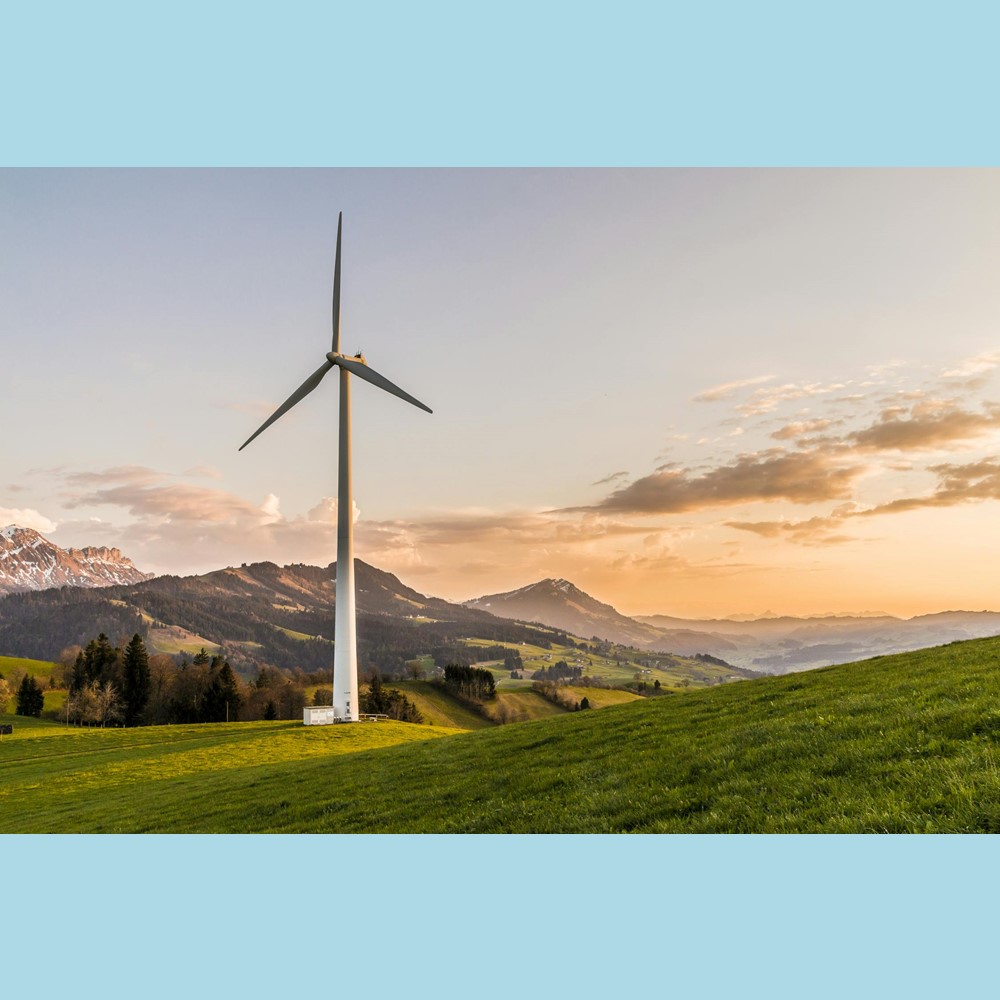
</strong></code></pre></td><td></td></tr><tr><td valign="top">mode</td><td><p>The following modes are supported:</p><ul><li>Pad<br>Passing a single dimension will automatically preserve the aspect ratio of the original image. If the requested aspect ratio is different then the image will be padded to fit. Widths and heights can optionally also be passed as a ratio<br>This is default.</li><li>BoxPad<br>When upscaling an image the image pixels themselves are not resized, rather the image is padded to fit the given dimensions. When downscaling the image is resized using the rules defined by Pad</li><li>Crop<br>Resizes the image to the given dimensions. If the set dimensions do not match the aspect ratio of the original image then the output is cropped to match the new aspect ratio.</li></ul><pre><code>&#x26;mode=boxpad
</code></pre></td><td></td></tr><tr><td valign="top">quality</td><td><p>Alters the output quality of the current image. This method will only effect the </p><p>output quality of images that allow lossy processing. </p><pre class="language-html"><code class="lang-html">&#x26;quality=90
</code></pre></td><td></td></tr><tr><td valign="top">anchor</td><td><p>Anchor positions supported:</p><ul><li>center</li><li>top</li><li>right</li><li>bottom</li><li>left</li><li>topleft</li><li>topright</li><li>bottomleft</li><li>bottomright</li></ul><p>Center is default.</p><pre class="language-html"><code class="lang-html">&#x26;mode=crop&#x26;anchor=top
</code></pre></td><td></td></tr><tr><td valign="top">bgcolor</td><td><p>When padding applied and or image includes transparency, it is possible to set the color of the padding/baggrund. </p><pre><code>&#x26;bgcolor=ffffff
</code></pre></td><td></td></tr></tbody></table>

### Examples

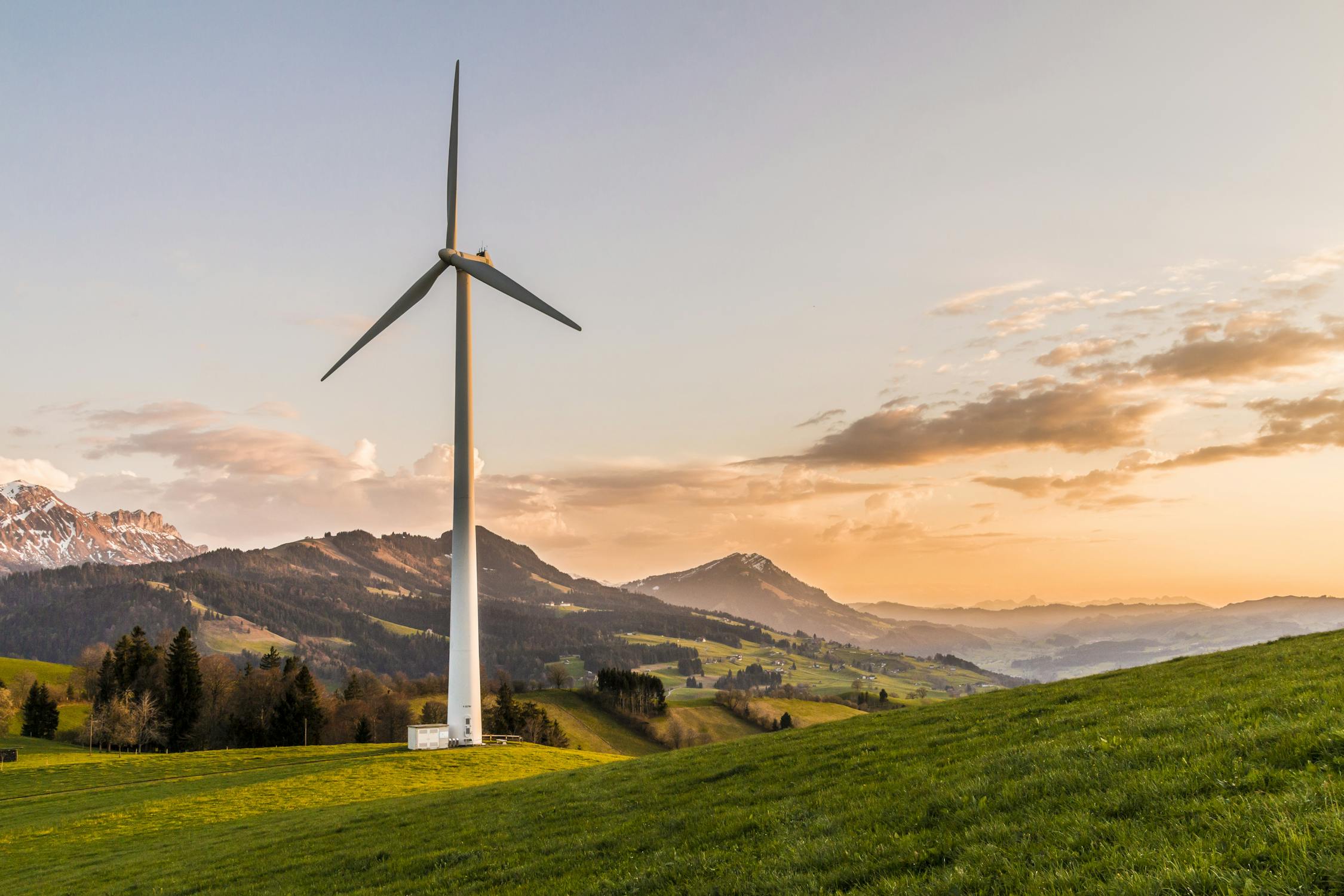
<figure><img src="https://3609403033-files.gitbook.io/~/files/v0/b/gitbook-x-prod.appspot.com/o/spaces%2FZJAMIKVcqchSDbt4A7DE%2Fuploads%2FnK3773NIlz2ud6Vnpgnk%2Fpexels-photo-414837.jpeg?alt=media&#x26;token=e3418b08-9126-49a8-918f-ed5c4b2dde79" alt=""><figcaption><p>Original</p></figcaption></figure>

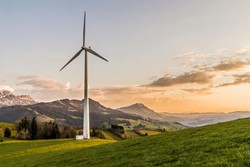
<figure><img src="https://3609403033-files.gitbook.io/~/files/v0/b/gitbook-x-prod.appspot.com/o/spaces%2FZJAMIKVcqchSDbt4A7DE%2Fuploads%2Fy1bPR8JgMloGlaLLMjPM%2Fpexels-photo-414837-width.jpeg?alt=media&#x26;token=d827c4c1-c7ad-4e5d-9410-8401ec04868f" alt=""><figcaption><p>?width=250</p></figcaption></figure>

<figure><img src="https://3609403033-files.gitbook.io/~/files/v0/b/gitbook-x-prod.appspot.com/o/spaces%2FZJAMIKVcqchSDbt4A7DE%2Fuploads%2FLON9ZH3IECNSIk0yIpjf%2Fpexels-photo-414837-anchor.jpeg?alt=media&#x26;token=22f40a35-89dc-40a7-b1c5-483393c546cb" alt=""><figcaption><p>?width=550&#x26;height=550&#x26;mode=crop&#x26;anchor=left</p></figcaption></figure>

<figure><img src="https://3609403033-files.gitbook.io/~/files/v0/b/gitbook-x-prod.appspot.com/o/spaces%2FZJAMIKVcqchSDbt4A7DE%2Fuploads%2FTFmy1XiL8Ymv9Rzi8SBs%2Fpexels-photo-414837-boxpad.jpeg?alt=media&#x26;token=cdd4447f-335f-491e-9a65-cefe6986816c" alt="" width="563"><figcaption><p>?width=1100&#x26;height=1100&#x26;mode=boxpad&#x26;bgcolor=lightblue</p></figcaption></figure>